
As an Amazon Associate, DarkMagePR earns from qualifying purchases.
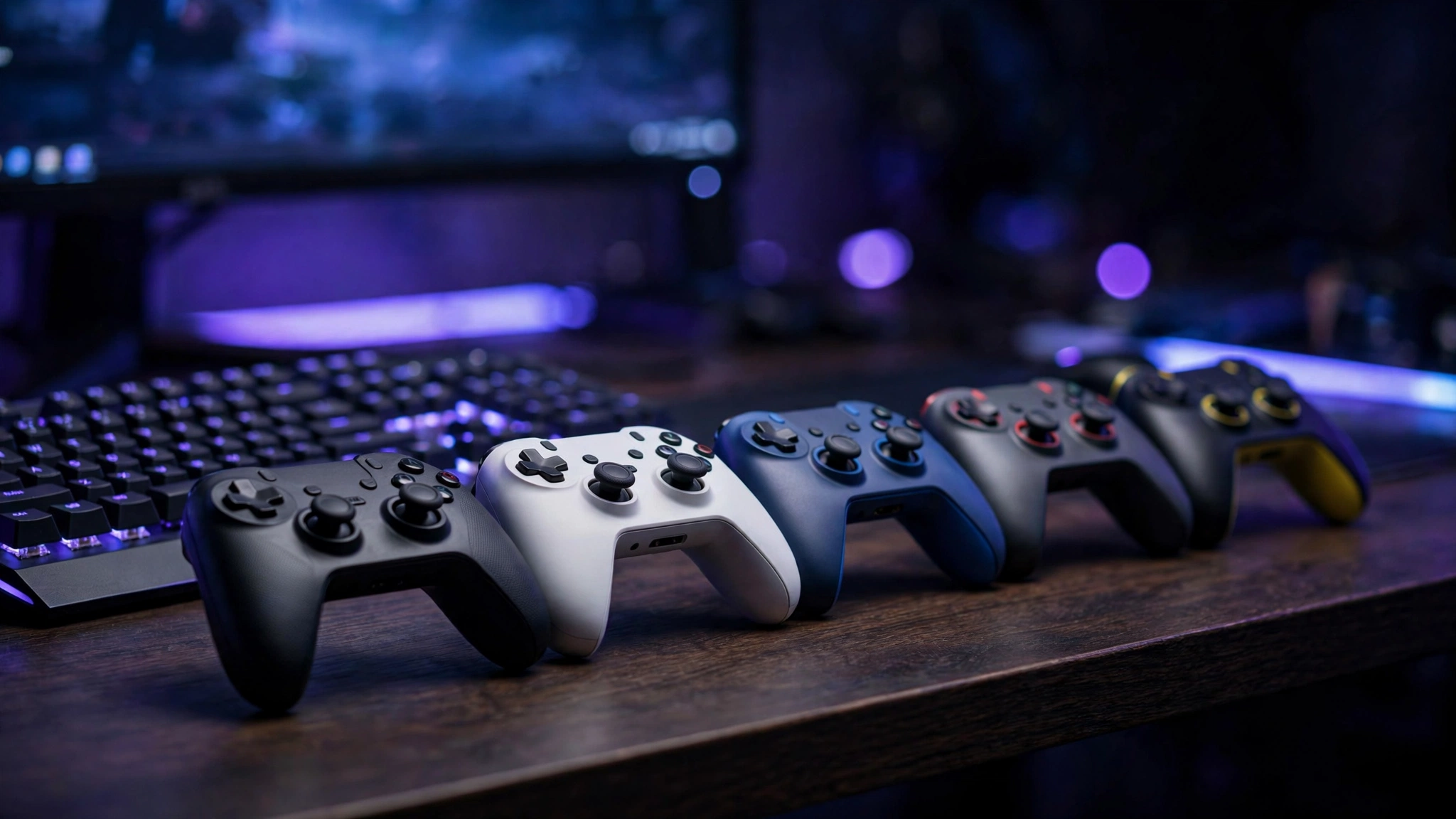
If you play on PC, you already know a keyboard and mouse can’t cover everything. Racing games, platformers, third-person action games, and couch co-op all feel better with a controller in your hands. The good news in 2026 is that you no longer need to spend $70 or more to get a great pad — budget controllers now ship with Hall effect sticks, programmable buttons, and build quality that would have cost double a few years ago. Here are five budget controllers for PC gaming that are actually worth your money.
1. 8BitDo Ultimate 2C — Best overall budget pick
Around $40
The 8BitDo Ultimate 2C is the sweet spot of the budget market. It packs Hall effect joysticks, which use magnets instead of physical contact, so stick drift — the thing that kills most controllers — simply isn’t a problem. The buttons feel premium, the 2.4GHz wireless connection is rock solid on PC, and 8BitDo’s companion software lets you remap buttons and tweak stick sensitivity. It supports PC, mobile, and other platforms, making it a versatile all-rounder. If you only buy one controller on this list, make it this one.
2. GameSir T4 Kaleid — Best for drift-free durability
Around $42
The GameSir T4 Kaleid is the pick if longevity is your top priority. Like the Ultimate 2C, it uses Hall effect sticks that eliminate drift, and it adds programmable back buttons that usually only appear on controllers twice its price. The transparent shell with subtle RGB lighting looks far more premium than its price tag suggests, and the 2.4GHz wireless dongle works flawlessly on PC. It’s an easy recommendation for anyone who has been burned by dying thumbsticks before.
3. GameSir G7 SE — Best wired Xbox-style pick
Around $45
If you sit at a desk and play competitively, the GameSir G7 SE is the wired answer. Being an Xbox-licensed controller means it plugs straight into Windows and works with every PC game that supports the standard Xbox layout — no drivers, no fuss. It combines Hall effect sticks and triggers with two programmable back paddles, so you get pro-style inputs at a budget price. The cable also means zero input latency and zero battery anxiety, which competitive players will appreciate.
4. PowerA Advantage Wired Controller — Best for the Xbox ecosystem
Around $40
The PowerA Advantage is the practical budget choice for players who bounce between Xbox and PC. It’s wired, so you trade couch range for reliability: no batteries to charge, no wireless interference, and usually a lower price than Microsoft’s official wireless pad. The layout mirrors the Xbox controller exactly, so muscle memory transfers instantly, and it handles long sessions comfortably. For a dorm room or desk setup where the cable never gets in the way, it’s hard to beat for the money.
5. Logitech F310 — Best ultra-cheap pick
Around $25
Sometimes the budget is the budget. The Logitech F310 has been around for years for a reason: it costs about half of everything else on this list and simply works. Plug it in via USB and Windows recognizes it instantly; the XInput/DirectInput switch on the back means it even handles older games that other modern controllers choke on. You won’t get Hall effect sticks or back paddles, but for occasional controller use — emulators, local co-op with a friend, or a backup pad — it’s the cheapest reliable option out there.
What to look for when buying a budget PC controller
Hall effect sticks matter most. Stick drift is the number one killer of controllers, and Hall effect sensors prevent it by design. In 2026 this feature has reached the budget tier, so there’s little reason to buy a cheap pad without it.
Wired vs. wireless. Wired controllers cost less and have zero latency, making them ideal for desk setups and competitive play. A 2.4GHz wireless dongle (not just Bluetooth) gives you couch-friendly freedom with near-wired responsiveness.
Layout and compatibility. Most PC games are designed around the Xbox layout, so an Xbox-style controller works with the least hassle. PlayStation-style or retro layouts are great for specific tastes, but check that the game you care about supports them.
Extras you might actually use. Back paddles and programmable buttons sound like pro features, but they’re genuinely useful for mapping jump or reload to a finger that isn’t on the face buttons. They’re now common under $50, so don’t pay extra for the privilege.
Any one of these five will serve you well — the real win is that budget controllers in 2026 punch far above their price. Pick the one that fits your setup and get playing.